



NEWR — Design System

🍱

Get Started

This is the design system where we can talk about the language of the website. This area is really an open canvas to test out anything that will work on the rest of the site.

Each section should be added to and expanded upon as the site evolves.


Naming - Sizes

Please use the short hand size naming convention as below:

sm, md, lg, xl, xxl

Example

.l-stack-sm


Helpful Design System Colours

Look in here!

Look at these colours you know and love from the inspector. You can use them in the design system to illustrate spacing in layouts.

This text is also inside an .l-stack

Check those out over in sass/layout/_stack.scss


Array argument validation is_arg() and get_arg()

This is great to help you pass functions between template parts.

e.g. get_template_part('template-parts/component','animals', $animals_args);

Template Part - section-zoo.php

	
	/*------------------------------------*\
		# EXAMPLE ARRAY
	\*------------------------------------*/

	$animal_args = array(
		'animals'     => array( 'dog', 'deer', 'cat' ),
		'title'       => get_field( 'title' ),
		'sub_title'   => 'Animals',
	);

	get_template_part( 'template-parts/component', 'animals', $animals_args );
	

Template Part - component-animals.php

	
	/*------------------------------------*\
		# EXAMPLE OUTPUT
	\*------------------------------------*/

	$is_title     = is_arg( 'title', $args ); // This will return false because get_field('title') doesn't exist.
	$is_nothing   = is_arg( 'something', $args ); // This will return false.
	$is_animals   = is_arg( 'animals', $args ); // This will return truthy as an array.

	$sub_title    = get_arg( 'sub_title', $args ); // This will return 'Animals'.

	$animals      = get_arg( 'animals', $args );

	if( $animals && is_array( $animals ) ) {
		foreach( $animals as $animal ) {
			echo $animal;
		}
	}
	

Attribute output from associative array get_attributes()

This is used in component_button() to add more attributes that don't have specific arguments.

	
	$attributes = array(
		'data-url'  => 'http://lateralaspect.com.au',
		'data-id'   => 'latasp',
	);

	get_attributes( $attributes );

	// Returns: data-url="http://lateralaspect.com.au" data-id="latasp"
	

Colors

Usage

  • Apply in HTML using a class name .color-white .bg-white
  • or in SCSS using the color__ fuction color: color__(white);
  • or in CSS with a CSS Variable color: var(--color-white);

Typography

Display Styles

.f-display-1

Display 1

Lorem ipsum dolor, sit amet consectetur adipisicing elit. Modi velit eum nemo illum accusamus.

.f-display-1 .color-primary .bg-black

Display 1

Lorem ipsum dolor, sit amet consectetur adipisicing elit. Modi velit eum nemo illum accusamus.

.f-display-2

Display 2

Lorem ipsum dolor, sit amet consectetur adipisicing elit. Modi velit eum nemo illum accusamus.

.f-display-3

Display 3

Lorem ipsum dolor, sit amet consectetur adipisicing elit. Modi velit eum nemo illum accusamus.

.f-display-4

Display 4

Lorem ipsum dolor, sit amet consectetur adipisicing elit. Modi velit eum nemo illum accusamus.

.f-display-5

Display 5

Lorem ipsum dolor, sit amet consectetur adipisicing elit. Modi velit eum nemo illum accusamus.

.f-display-6

Display 6

Lorem ipsum dolor, sit amet consectetur adipisicing elit. Modi velit eum nemo illum accusamus.

.f-display-7

Display 7

Lorem ipsum dolor, sit amet consectetur adipisicing elit. Modi velit eum nemo illum accusamus.

Body Styles

.f-body-large

Excepteur sint occaecat cupidatat non proident, sunt in culpa qui officia deserunt mollit anim id est eopksio laborum sed ut perspiciatis unde omnis istpoe natus error sit voluptatem accusantium.

Excepteur sint occaecat cupidatat non proident, sunt in culpa qui officia deserunt mollit anim id est eopksio laborum sed ut perspiciatis unde omnis istpoe natus error sit voluptatem accusantium.

.f-body-1

Excepteur sint occaecat cupidatat non proident, sunt in culpa qui officia deserunt mollit anim id est eopksio laborum sed ut perspiciatis unde omnis istpoe natus error sit voluptatem accusantium.

Excepteur sint occaecat cupidatat non proident, sunt in culpa qui officia deserunt mollit anim id est eopksio laborum sed ut perspiciatis unde omnis istpoe natus error sit voluptatem accusantium.

.f-body-2

Excepteur sint occaecat cupidatat non proident, sunt in culpa qui officia deserunt mollit anim id est eopksio laborum sed ut perspiciatis unde omnis istpoe natus error sit voluptatem accusantium.

Excepteur sint occaecat cupidatat non proident, sunt in culpa qui officia deserunt mollit anim id est eopksio laborum sed ut perspiciatis unde omnis istpoe natus error sit voluptatem accusantium.

Icons

Usage

Component Inline Icon with Classes and Accessibility Tags

Used in conjuction with:

component_button();

				
				// Source: "assets/img/inline-icon-external-link.svg.php".
				component_icon( 'external-link', 'icon--currentColor color-primary' );


Raw SVG from SVG File

				
				// Source: "assets/img/icons/icon-external-link.svg".
				render_svg( 'icon-external-link' );


Raw SVG from Template File

				
				// Source: "assets/img/inline-icon-external-link.svg.php".
				get_template_part( 'assets/img/inline', 'icon-external-link.svg' );


Buttons

Button Button Button Button

This button is a button element instead of an a. It has no href, rel, or target.

This button is a div element instead of an a. It has no href, rel, or target.

Button

You can dump an ACF link field straight into the first argument if you wish to output a button easily.

		component_button( get_field('link') );
	

This would be the equivelant of doing:

		
		component_button(
			array(
				'title'   => 'Button',
				'url'     => 'https://google.com',
				'target'  => '_blank',
			)
		);


Links

You can dump an ACF link field straight into the first argument if you wish to output a link easily.

		component_button( get_field( 'link' ), 'c-link-1' );
	

Space and Gaps

Spacers

Spacers are fixed and should be used for layouts: external spacing and gutters.

See Bootstrap 5.2 Spacing

See $spacers in _layout-settings.scss

Gaps

Gaps are relative to font-size and are used with .l-stack

See $gaps in _layout-settings.scss

Basics

Boxes and Colors

Colors further down the chain take precedence otherwise they will inherit the parent color.

Boxes have padding on all sides and usually have different padding at different screen sizes. Inline Bootstrap style equivalent would be
class="p-16 p-lg-32 p-xl-64"
or whatever combination you might need.

Below are two example boxes but customise everything to suit the design you are working on in layout/_box.scss

.box-1 .l-stack .color-[color] .bg-[color]

Lorem Ipsum Dolar Sit Emit

Aenean lacinia bibendum nulla sed consectetur. Vivamus sagittis lacus vel augue laoreet rutrum faucibus dolor auctor. Maecenas faucibus mollis interdum. Donec sed odio dui.

Sed consectetur. Vivamus sagittis lacus vel augue laoreet rutrum faucibus dolor auctor. Maecenas faucibus mollis interdum. Donec sed odio.

.box-2 .l-stack .color-[color] .bg-[color]

Lorem Ipsum Dolar Sit Emit

Aenean lacinia bibendum nulla sed consectetur. Vivamus sagittis lacus vel augue laoreet rutrum faucibus dolor auctor. Maecenas faucibus mollis interdum. Donec sed odio dui.

Sed consectetur. Vivamus sagittis lacus vel augue laoreet rutrum faucibus dolor auctor. Maecenas faucibus mollis interdum. Donec sed odio.

Images

Image that loads no fallback and revealing the .bg-loading.

You'll need to add an image and update the ID to see this working properly.

<?php $image_args = array (
  'id' => '26',
  'size' => 'medium',
  'classes' => 
  array (
    0 => 'first-class',
    1 => 'second-class',
  ),
); ?>

Image that fails to load no fallback and revealing the .bg-loading.

You'll need to add an image and update the ID to see this working properly.

<?php $image_args = array (
  'id' => '0000',
  'size' => 'medium',
  'classes' => 
  array (
    0 => 'first-class',
    1 => 'second-class',
  ),
); ?>

Image that doesn't exist with fallback .c-no-image.

<?php $image_args = array (
  'id' => '0000',
  'size' => 'medium',
  'fallback' => true,
  'fallback_type' => 'event',
); ?>

Containers

Containers use a max width. The wrapper around it is what will create the outside gutter; this helps to isolate max width and the gutter to avoid doing math.

Set the default max width using $container-max-widths in sass/variables-settings/_layout-settings.scss

Containers with .l-stack-containers

100% wide until small breakpoint - padded wrapper for gutters.
100% wide until extra extra large breakpoint - no padded wrapper.

Containers with Layouts and .bg-color and .l-stack-containers

100% wide until extra extra large breakpoint
100% wide until extra extra large breakpoint - .max-w-640

Layouts

Layouts are more than likely going to sit inside a .container.

These would ideally be written in CSS so that they can be tweaked easily but they can also be built using Bootstrap which is baked in.

Cluster

The Cluster explained on Every Layout.

Split

Generally these stack on mobile but you could make a variation if you'd like.

This currently doesn't work with the Boostrap .gap- utility.

.l-split-1:1
.l-split-2:3 gap variations
.l-split-2:3 gap variations example content

Lorem Ipsum Dolar Sit Emit

Aenean lacinia bibendum nulla sed consectetur. Vivamus sagittis lacus vel augue laoreet rutrum faucibus dolor auctor. Maecenas faucibus mollis interdum. Donec sed odio dui.

Sed consectetur. Vivamus sagittis lacus vel augue laoreet rutrum faucibus dolor auctor. Maecenas faucibus mollis interdum. Donec sed odio.

Videos

Streaming Video

Components

Great customer service and client liaison, excellent suggestions and all milestones met. Quality workmanship, very responsive to our needs, and we are very happy with the outcome. Cannot recommend highly enough. Our thanks to Craig, Natasha and the team.

NEWR are simply outstanding. Everyone in the team was invested in delivering us a quality product. And they well and truly delivered - we couldn’t be happier with the work, and the communication and engagement along the way. Highly recommended!

Thank you to Craig, Bella and the wonderful team of tradies for turning our early 2000’s main bathroom and toilet into a timeless masterpiece. It was a pleasure working with the whole team, but I (Lindy) especially loved tile shopping with Bella. We would definitely recommend the team for any renovation work.

Craig

Founding Director & Construction Consultant

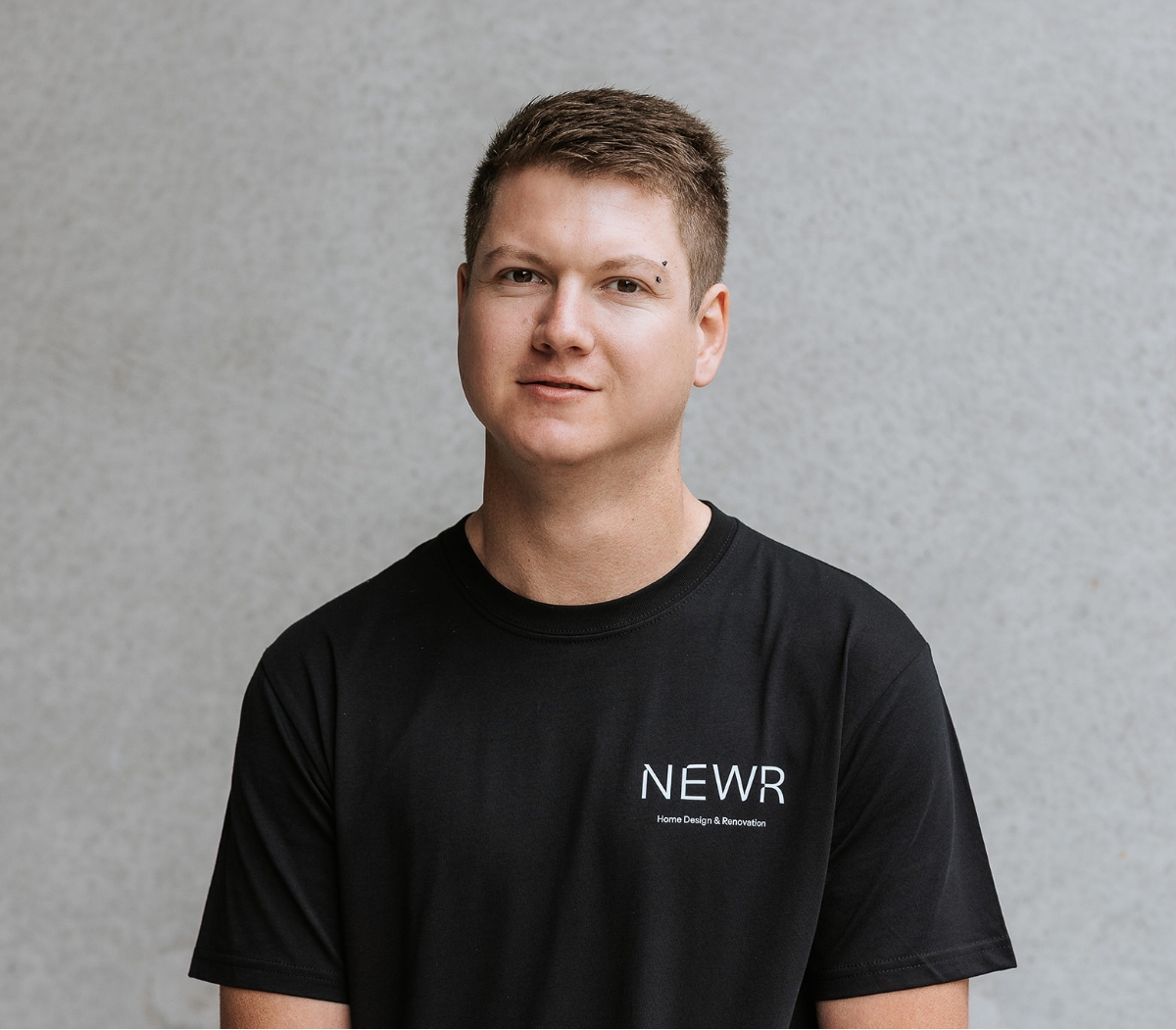
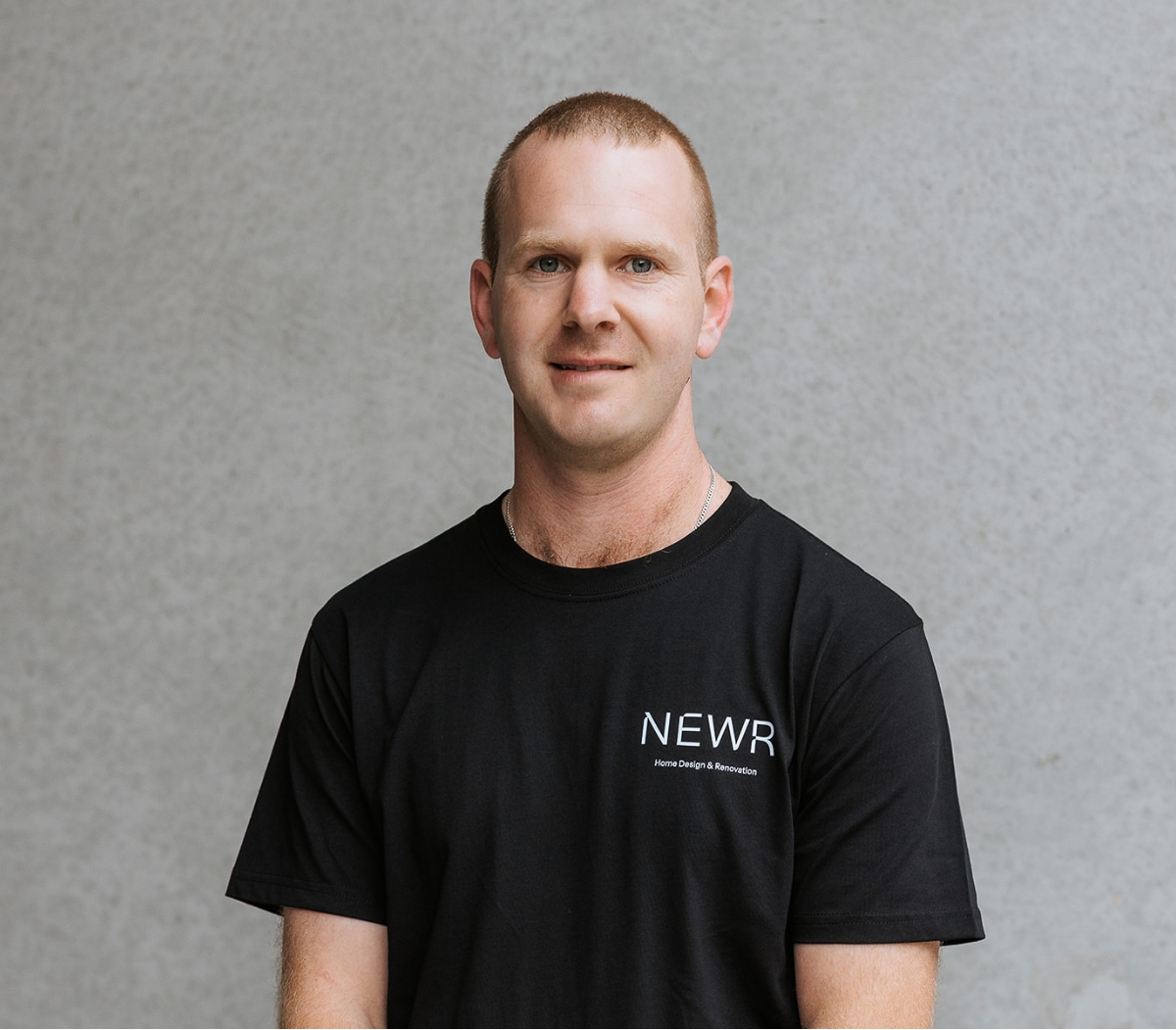
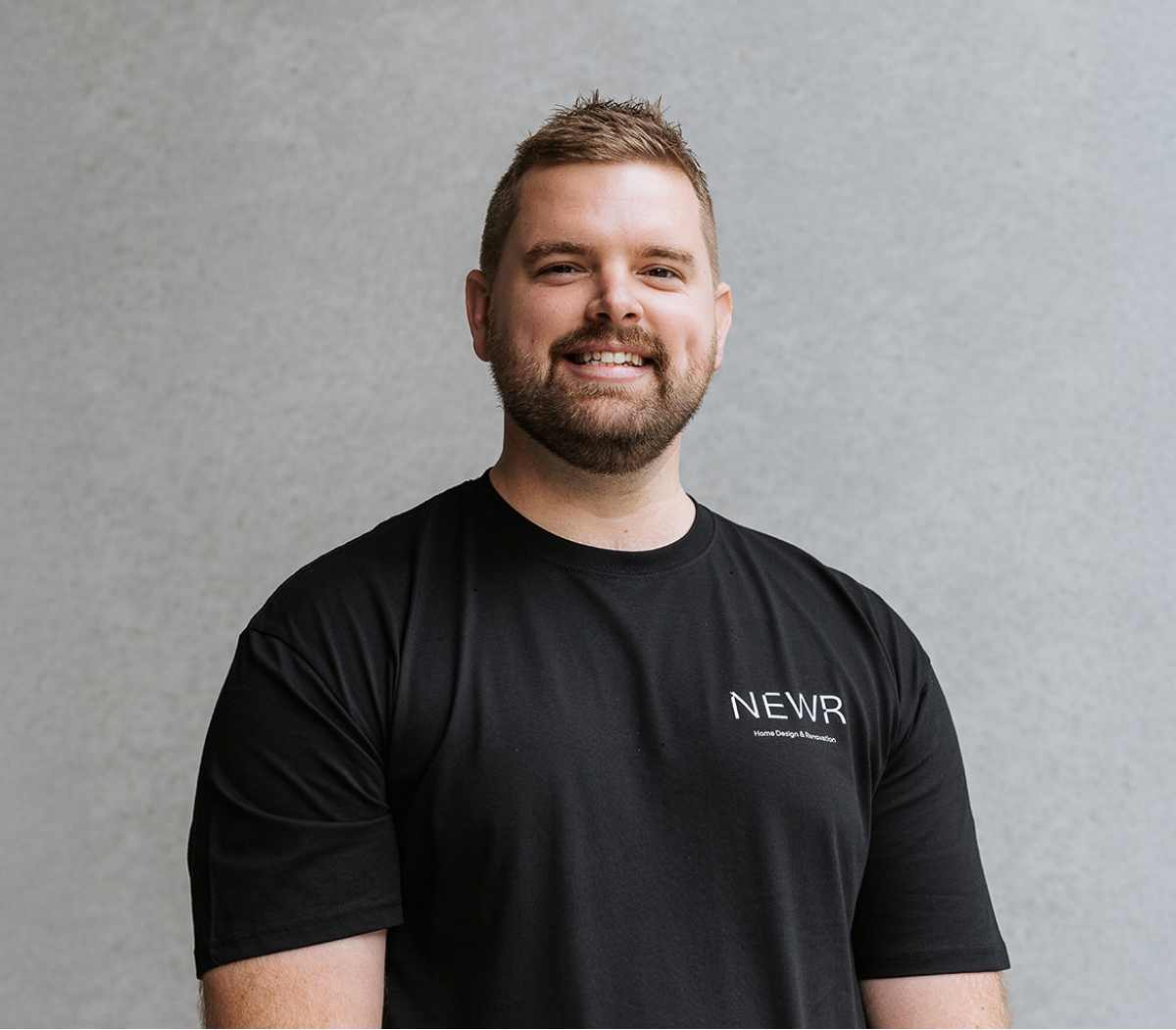
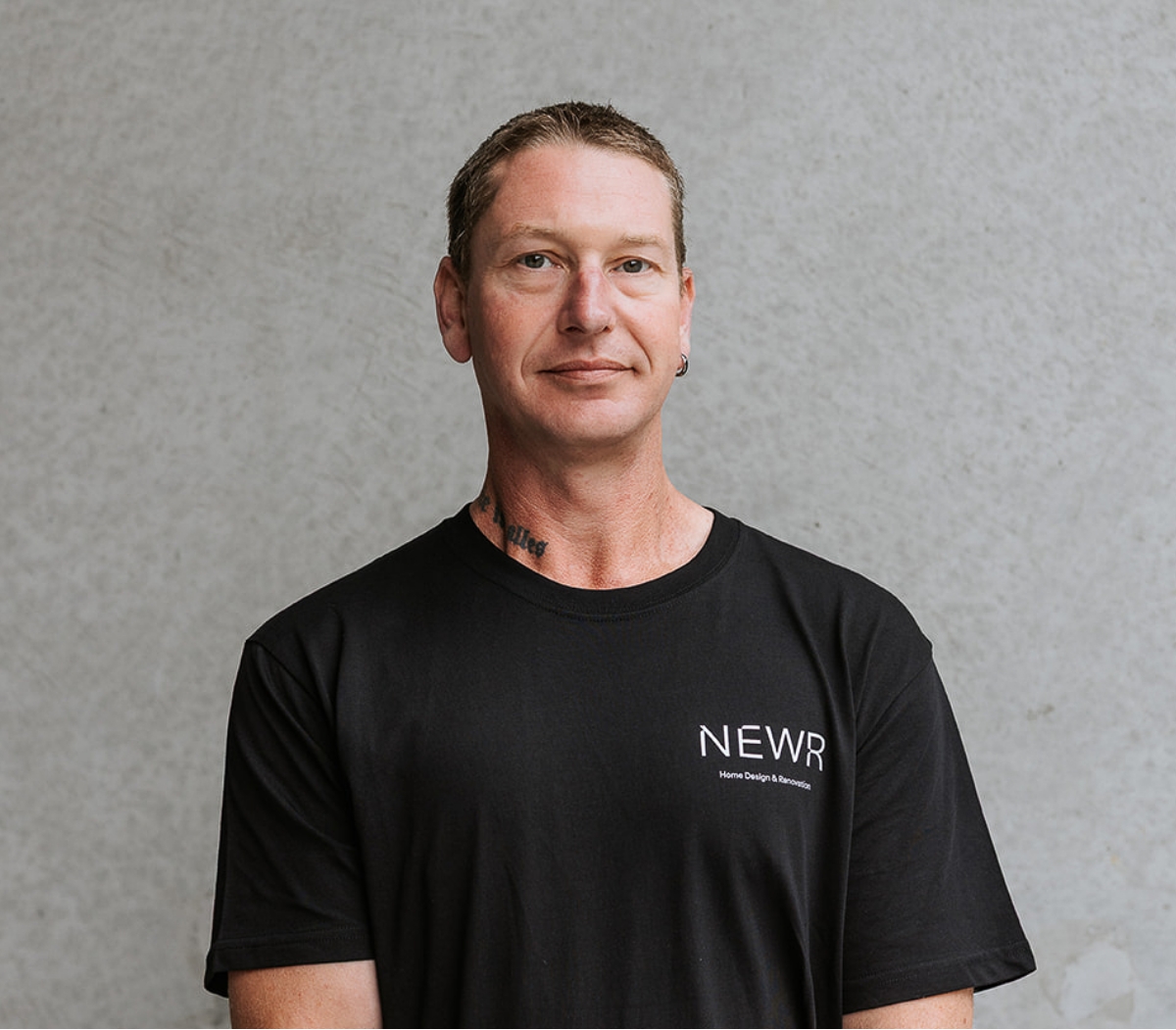
With 20 years under his toolbelt, Craig is the cornerstone of NEWR. As an A-Class builder, he’s built the business from the ground up and is always one step ahead, dreaming up new ways to improve things. Off-site, Craig swaps tools for tongs, whipping up gourmet meals that make his family forget he ever wore steel caps. Rumour has it his spice rack is organised by region and author.

Tash

Creative & Managing Director

With over eight years in the industry, Tash is the creative force who keeps the business not just looking good, but running smoothly. She’s passionate about upholding the brand, keeping the team in line, and generally making sure the place doesn’t burn down. On weekends, she regards herself as a champagne sommelier (just don’t ask her to open one quietly).

Adam

Site Manager & Lead Carpenter

Adam is the quiet achiever – first on-site, last to leave, and never backs down from a challenge. With 11 years in the industry, he’s our Martinez-hammer-wielding MVP who aspires to lead the company one day. Off the clock, he’s a die-hard Brumbies fan and golf tragic, especially fond of the 19th hole.

Bella

Senior Designer

For six years, Bella has taken spaces from basic to brilliant and kept the team on their toes while doing it. She’s never met a curve she didn’t like (walls, ceilings, archways – bring it on). When she’s not designing, she’s likely airport-bound with three shopping bags and a boarding pass to somewhere fabulous.

Phoebe

Interior Designer

Phoebe brings a bubbly personality to the office, always passionate about every project, no matter how big or small. She’s the go-to for a perfectly punctuated email and a polished plan. In her downtime, Phoebe is a true foodie, always on the hunt for the best coffee spots and restaurants – whether it’s in Canberra, Sydney or even Europe.

Matt

Carpenter

With a decade of carpentry experience, Matt is as comfortable with a nail gun as he is with a fishing rod. When he’s not building, he’s camping or bragging about the 76 cm flathead he caught (and won’t let us forget). A true Raiders supporter who bleeds green – up the Milk!

Simon

Plasterer & Finishing Trades

Simon’s 15 years in the industry and his certification in Venetian plastering make him our resident detail guy. He’s the go-to for clean lines, perfect silicone, and plastering 2.7 metre ceilings without a ladder. A man of many talents, he’s also a proud new dad and family man who swaps tools for storybooks on the weekend.

Trent

Lead Demolition & Construction Hand

Often the first face you’ll see on-site, Trent is friendly, efficient and always ready to help. With 12 years under his belt, he leads the charge with a grin. A Subaru enthusiast and a Broncos supporter, Trent spends his weekends with his kids or cruising in his WRX.

Ryan

Plasterer & Construction Hand

With 12 years in the industry, Ryan is a man of many talents: demo, plastering and helping the chippies. He’s always up for a challenge and never short on enthusiasm. When he’s not on-site, you’ll find him fishing, four-wheel driving, or starting a campfire. Also worth noting: he’s a proud reptile lover.

The form appears to be missing, check back shortly!

Oops! We could not locate your form.

Bootstrap 5.2.3 Kitchen Sink

If this looks absolutely butchered GOOD! Not all modules are on and not all should be. Check the items that you're using and ignore the rest.

Contents

Typography

Documentation

Display 1

Display 2

Display 3

Display 4

Display 5

Display 6

Heading 1

Heading 2

Heading 3

Heading 4

Heading 5

Heading 6

This is a lead paragraph. It stands out from regular paragraphs.

You can use the mark tag to highlight text.

This line of text is meant to be treated as deleted text.

This line of text is meant to be treated as no longer accurate.

This line of text is meant to be treated as an addition to the document.

This line of text will render as underlined.

This line of text is meant to be treated as fine print.

This line rendered as bold text.

This line rendered as italicized text.


A well-known quote, contained in a blockquote element.

Someone famous in Source Title
  • This is a list.
  • It appears completely unstyled.
  • Structurally, it's still a list.
  • However, this style only applies to immediate child elements.
  • Nested lists:
    • are unaffected by this style
    • will still show a bullet
    • and have appropriate left margin
  • This may still come in handy in some situations.
  • This is a list item.
  • And another one.
  • But they're displayed inline.

Images

Documentation
Placeholder Responsive image
A generic square placeholder image with a white border around it, making it resemble a photograph taken with an old instant camera 200x200

Tables

Documentation
# First Last Handle
1 Mark Otto @mdo
2 Jacob Thornton @fat
3 Larry the Bird @twitter
# First Last Handle
1 Mark Otto @mdo
2 Jacob Thornton @fat
3 Larry the Bird @twitter
Class Heading Heading
Default Cell Cell
Primary Cell Cell
Secondary Cell Cell
Success Cell Cell
Danger Cell Cell
Warning Cell Cell
Info Cell Cell
Light Cell Cell
Dark Cell Cell
# First Last Handle
1 Mark Otto @mdo
2 Jacob Thornton @fat
3 Larry the Bird @twitter

Figures

Documentation
Placeholder 400x300
A caption for the above image.

Forms

Overview

Documentation
We'll never share your email with anyone else.
Radios buttons

Disabled forms

Documentation
Disabled radios buttons

Sizing

Documentation

Input group

Documentation
@
@example.com
https://example.com/users/
$ .00
With textarea

Validation

Documentation
Looks good!
Looks good!
@
Please choose a username.
Please provide a valid city.
Please select a valid state.
Please provide a valid zip.
You must agree before submitting.

Components

Accordion

Documentation

This is the first item's accordion body. It is hidden by default, until the collapse plugin adds the appropriate classes that we use to style each element. These classes control the overall appearance, as well as the showing and hiding via CSS transitions. You can modify any of this with custom CSS or overriding our default variables. It's also worth noting that just about any HTML can go within the .accordion-body, though the transition does limit overflow.

This is the second item's accordion body. It is hidden by default, until the collapse plugin adds the appropriate classes that we use to style each element. These classes control the overall appearance, as well as the showing and hiding via CSS transitions. You can modify any of this with custom CSS or overriding our default variables. It's also worth noting that just about any HTML can go within the .accordion-body, though the transition does limit overflow.

This is the third item's accordion body. It is hidden by default, until the collapse plugin adds the appropriate classes that we use to style each element. These classes control the overall appearance, as well as the showing and hiding via CSS transitions. You can modify any of this with custom CSS or overriding our default variables. It's also worth noting that just about any HTML can go within the .accordion-body, though the transition does limit overflow.

Alerts

Documentation

Example heading New

Example heading New

Example heading New

Example heading New

Example heading New

Example heading New

Example heading New

Example heading New

Primary Secondary Success Danger Warning Info Light Dark

Buttons

Documentation
Placeholder Image cap
Card title

Some quick example text to build on the card title and make up the bulk of the card's content.

Go somewhere
Featured
Card title

Some quick example text to build on the card title and make up the bulk of the card's content.

Go somewhere
Card title

Some quick example text to build on the card title and make up the bulk of the card's content.

  • An item
  • A second item
  • A third item
Placeholder Image
Card title

This is a wider card with supporting text below as a natural lead-in to additional content. This content is a little bit longer.

Last updated 3 mins ago

Popovers

Documentation

Scrollspy

Documentation

First heading

This is some placeholder content for the scrollspy page. Note that as you scroll down the page, the appropriate navigation link is highlighted. It's repeated throughout the component example. We keep adding some more example copy here to emphasize the scrolling and highlighting.

Second heading

This is some placeholder content for the scrollspy page. Note that as you scroll down the page, the appropriate navigation link is highlighted. It's repeated throughout the component example. We keep adding some more example copy here to emphasize the scrolling and highlighting.

Third heading

This is some placeholder content for the scrollspy page. Note that as you scroll down the page, the appropriate navigation link is highlighted. It's repeated throughout the component example. We keep adding some more example copy here to emphasize the scrolling and highlighting.

Fourth heading

This is some placeholder content for the scrollspy page. Note that as you scroll down the page, the appropriate navigation link is highlighted. It's repeated throughout the component example. We keep adding some more example copy here to emphasize the scrolling and highlighting.

Fifth heading

This is some placeholder content for the scrollspy page. Note that as you scroll down the page, the appropriate navigation link is highlighted. It's repeated throughout the component example. We keep adding some more example copy here to emphasize the scrolling and highlighting.

Spinners

Documentation
Loading...
Loading...
Loading...
Loading...
Loading...
Loading...
Loading...
Loading...
Loading...
Loading...
Loading...
Loading...
Loading...
Loading...
Loading...
Loading...

Toasts

Documentation

Tooltips

Documentation